
Hogyan töltsd le a Kedvencem applikációt 1 perc alatt
•
Krisztián

1. Nyisd meg az alkalmazásboltot
iPhone-on az App Store-t, Androidon a Google Play-t nyisd meg.
2. Keresd meg: Kedvencem
Írd be a keresőbe, hogy Kedvencem, majd válaszd ki az appot a találatok közül.
3. Telepítés egy koppintással
- iPhone: koppints a Letöltés gombra
- Android: koppints a Telepítés gombra
4. Közvetlen letöltési linkek
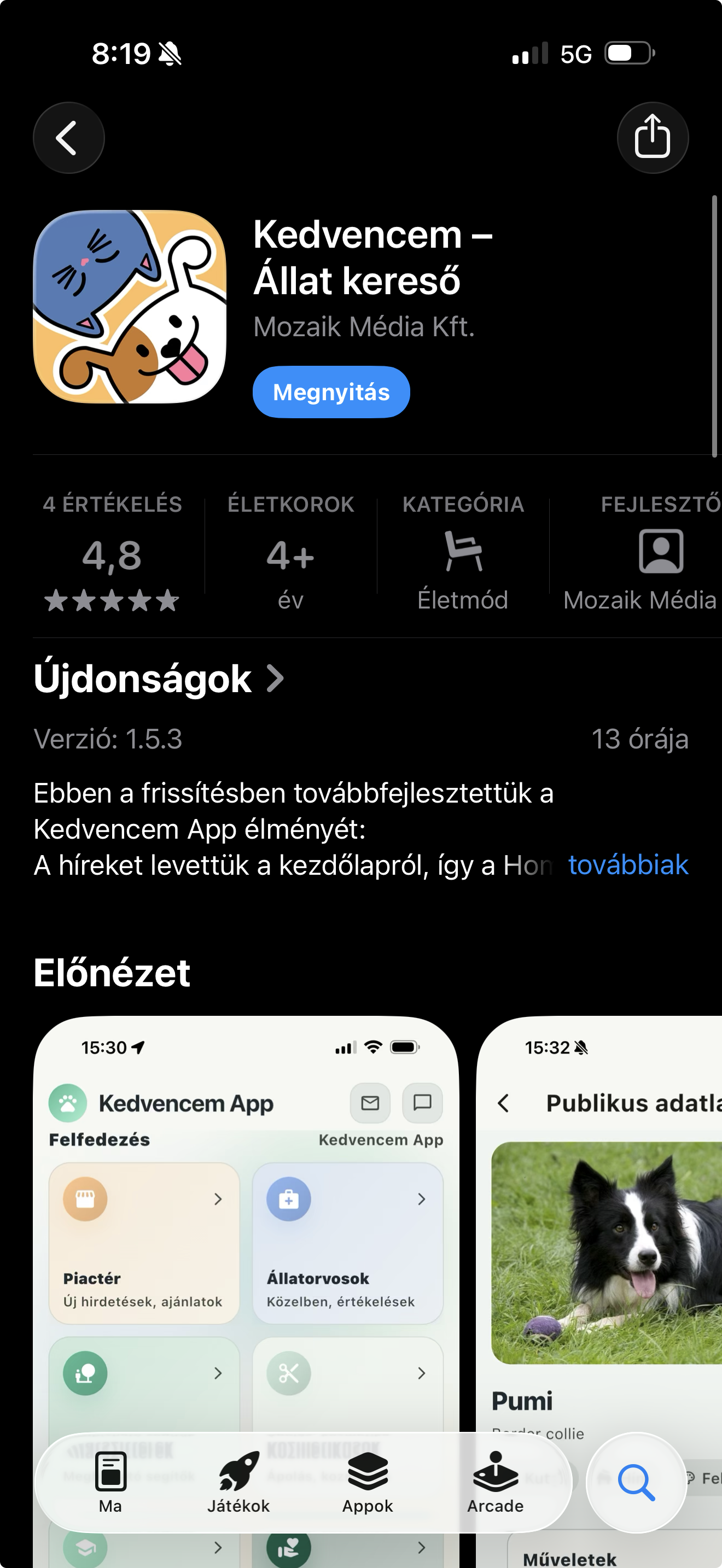
iPhone (App Store):
https://apps.apple.com/app/kedvencem-app/id6753728702
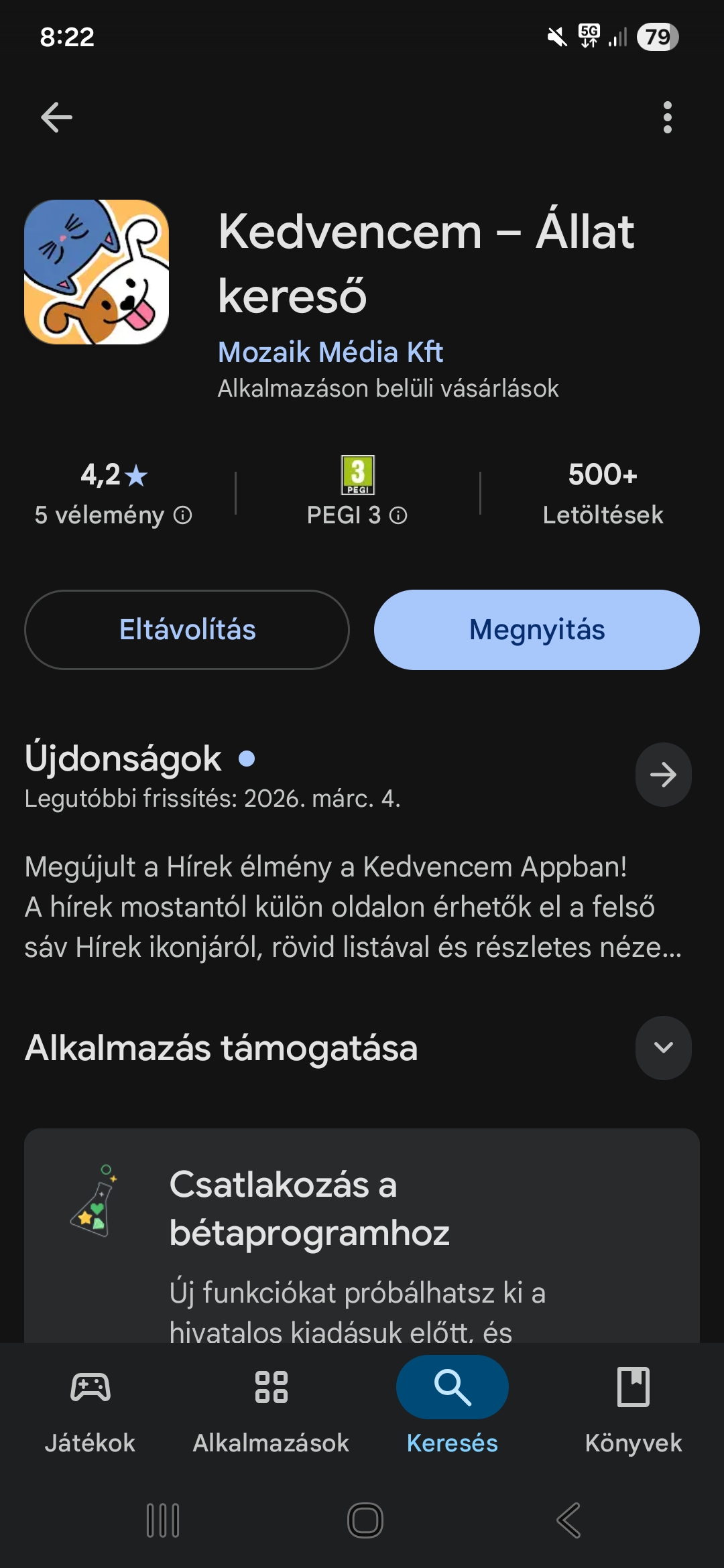
Android (Google Play):
https://play.google.com/store/apps/details?id=app.kedvencem
5. Első indítás után
Nyisd meg az appot, engedélyezd az értesítéseket, és már indulhat is a regisztráció.
Gyakori kérdés
Nem találom az appot a keresőben.
Használd a fenti közvetlen linkeket, így biztosan a hivatalos Kedvencem oldalra jutsz.
Következő lépés: regisztráció 2 perc alatt, majd az első kiskedvenc profil hozzáadása.